A timer normally knows only two things: when it started and when it should finish. To react to posture, it needs a third input—a small, repeatable description of where your body is.
That does not require the app to identify you or interpret whether your meditation is “good.” It requires a much narrower pipeline: find a few body landmarks, turn them into angles, and compare those angles with the posture you established at the beginning.
First establish a baseline
There is no universal meditation silhouette. People sit on cushions, benches, chairs, and beds. Shoulder height, hip position, mobility, clothing, and camera placement all vary. A fixed rule such as “the spine must look vertical” would be brittle and unfair.
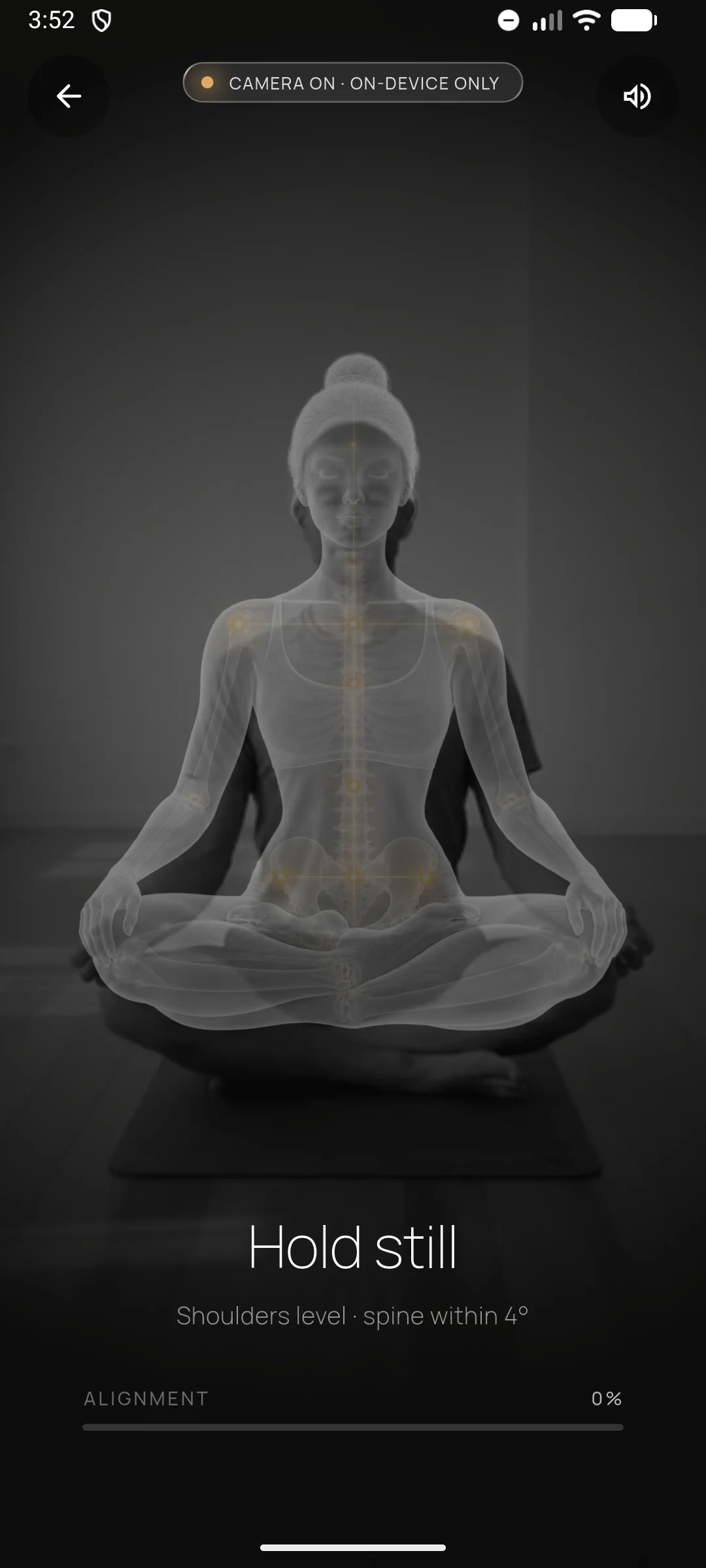
Calibration handles that variation. You place the phone where your upper body is visible, settle into the posture you intend to hold, and remain still while the app measures a baseline. Later movement is compared with your own starting position rather than an idealized body.
Convert video into temporary landmarks
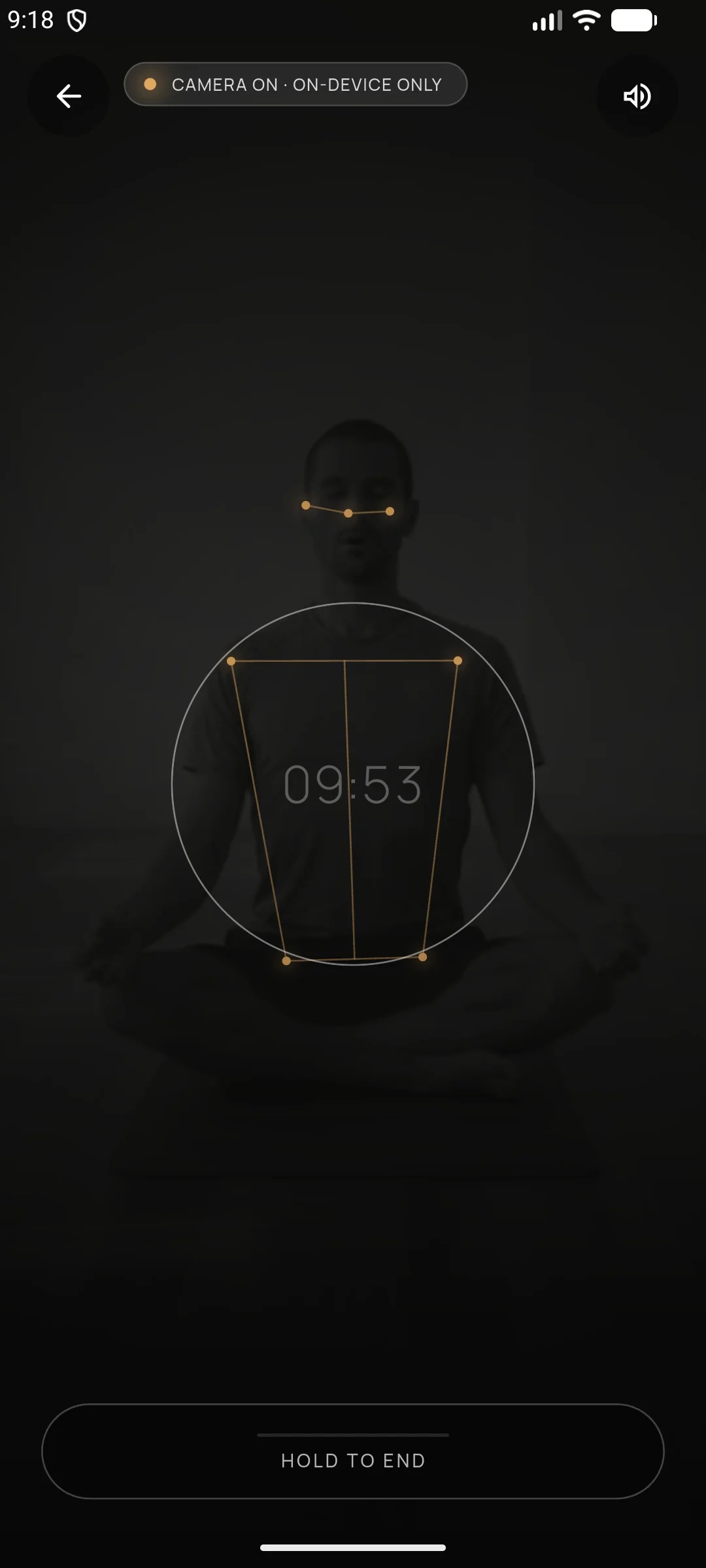
The live image is useful only long enough to locate a small set of points such as the shoulders, hips, nose, and eyes. From those points the app can estimate shoulder tilt, head position, spine lean, frame coverage, and short bursts of motion.
Those derived measurements are enough to run the timer. The original frame does not need to be saved, placed in a session record, or sent to a server. In Meditation Tracker, that processing stays on the phone.
Treat movement as a state, not a verdict
One unusual frame should not stop a session. Cameras blur, landmark confidence changes, and people make small natural adjustments. A useful system waits for evidence across multiple frames before changing state.
When the measured posture remains outside its allowed range, verified time pauses. When it returns and stays stable, the timer resumes. This creates a state machine—preparing, calibrating, locked, paused, recovered—instead of a stream of accusations.
What the timer still cannot know
Posture verification cannot tell whether your mind wandered, whether you felt calm, or whether the practice was valuable. Those claims would exceed the signal.
What it can say is concrete: you remained visible, held a posture near the one you calibrated, and earned the time recorded. That limited claim is exactly what makes it useful.